Manual mode
You drive the browser, the AI writes the client.
Manual mode runs the full pipeline with you in the driver's seat.
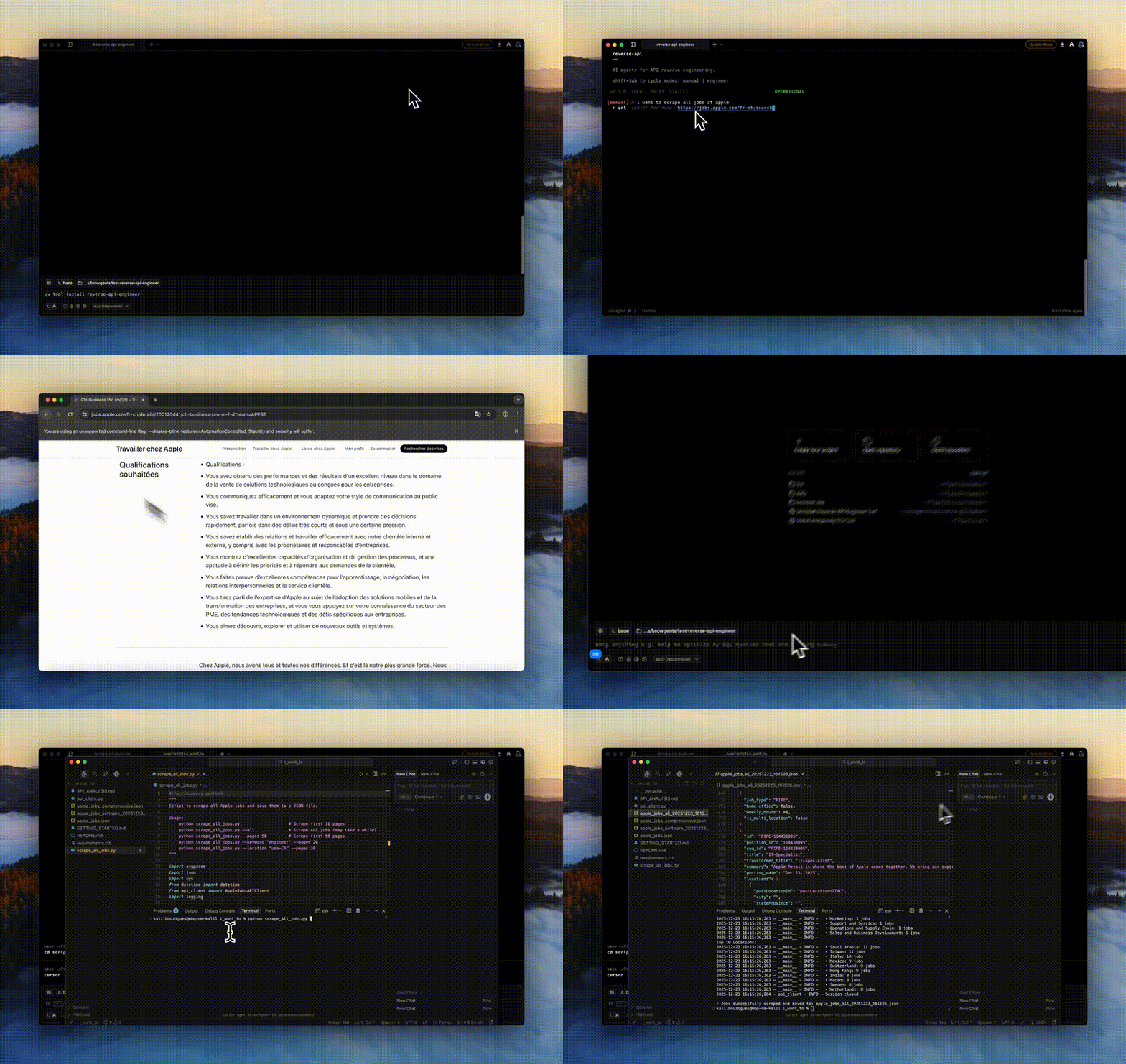
How it works
Start the interactive REPL:
reverse-api-engineerPress
Shift+Tabonce from the default agent prompt to switch into manual mode. Manual mode is REPL-only because it requires a human in front of a visible browser.Enter a task description (e.g. "Fetch Apple job listings").
Optionally provide a starting URL.
Browse and interact with the website: click, search, scroll, paginate.
Close the browser when done.
The AI reads the HAR and generates the API client automatically.
When to use it
- You know exactly what flow you want to capture (and don't want an agent improvising).
- The site requires login, MFA, or human-only interactions.
- You want to capture a specific subset of requests, not everything.
Output locations
~/.reverse-api/runs/scripts/{run_id}/   # permanent storage
./scripts/{descriptive_name}/ # local copy with a readable nameWhat the AI sees
Everything the browser saw: full HAR file with headers, cookies, request bodies, response bodies. Sensitive auth headers (cookies, bearer tokens) stay local on your machine. They're only sent to the model you've configured for client generation.