Quick start
From a fresh install to a working API client in under five minutes.
Launch the CLI
reverse-api-engineerYou land in a minimalist interactive prompt. Cycle between modes with
Shift+Tab:- agent: autonomous AI browser agent (default)
- manual: browser capture + AI generation (you drive)
- engineer: re-process an existing capture
- collector: AI-powered web data collection
Run your first manual capture
Press
Shift+Tabonce to switch from agent mode to manual mode, then type a goal: what you want from the site.> fetch all apple jobs from their careers pageThe CLI opens a Chromium window. You browse, click, scroll, search: whatever exercises the requests you care about. Close the window when done. The AI takes over: it reads the HAR file, identifies the API surface, and emits a typed client in your configured output language (Python by default).
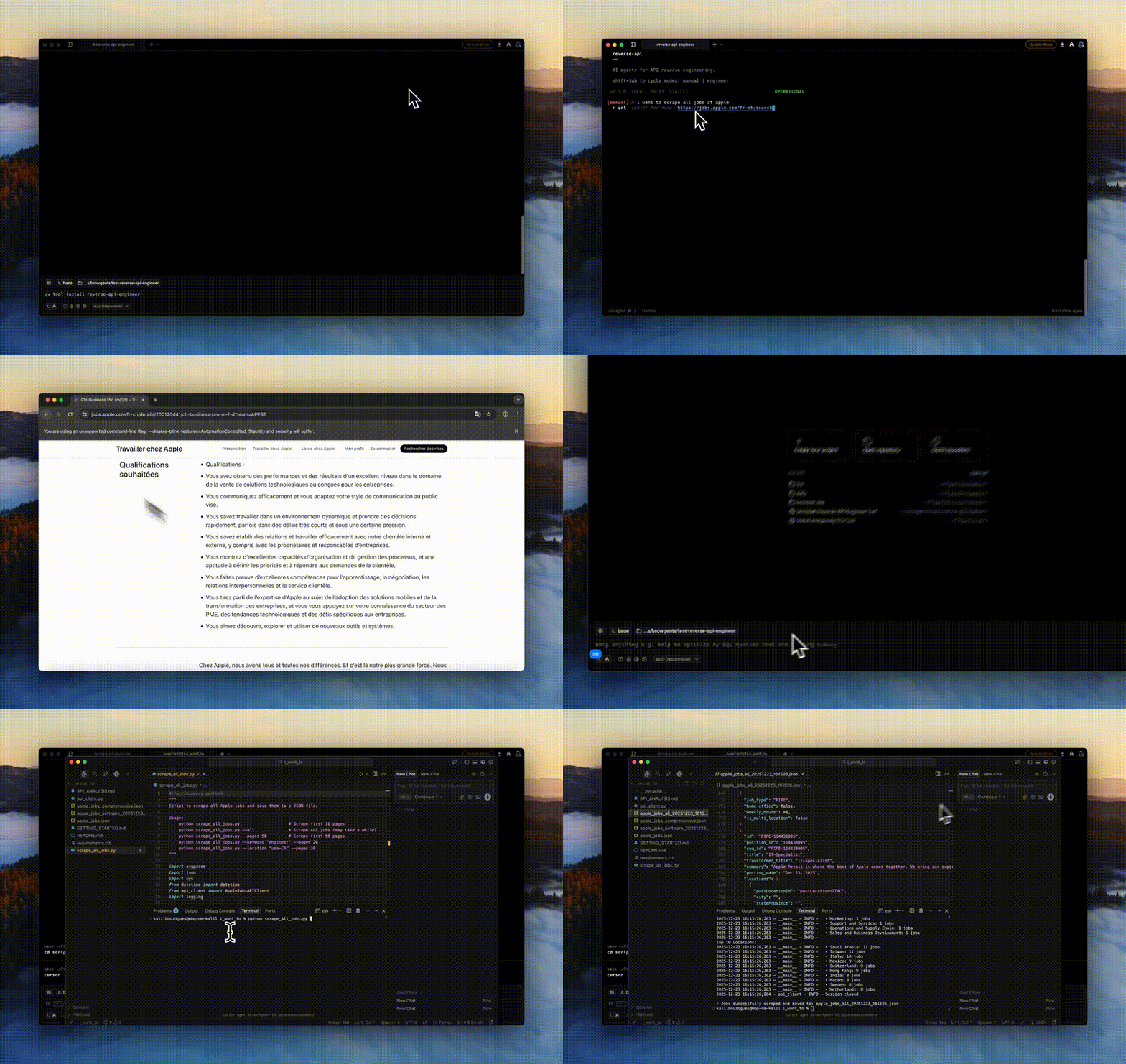
Manual mode: you browse, the AI writes the client. Read the output
With the default Python output, generated scripts are saved in two places:
- ~/.reverse-api/runs/scripts/{run_id}
- api_client.py
- example_usage.py
- README.md
- ./scripts/apple_jobs_api
- api_client.py
- example_usage.py
- README.md
The first is canonical (permanent, indexed by
run_id). The second is a local copy with a readable name, dropped right next to your project.Run the generated client
With the default output, the generated script is plain Python. Run it like any other:
python scripts/apple_jobs_api/example_usage.pyOr programmatically, via the CLI runner:
reverse-api-engineer run <run_id> --file api_client.py \ --json --auto-installThe CLI runner also dispatches JavaScript, TypeScript, Go, Java, C#, PHP, Ruby, and C clients through their installed toolchains. See Output language & sync.